

- Kotlin 1.6+
- Java 11+
GroupDocs.Signature for Java allows you to add a digital signature to PDF, DOCX, PPT, XLS and over 90 formats with no external dependencies. Using powerful and flexible API you can easily add handwritten, barcode, QR code, Image and stamp signatures to a document.
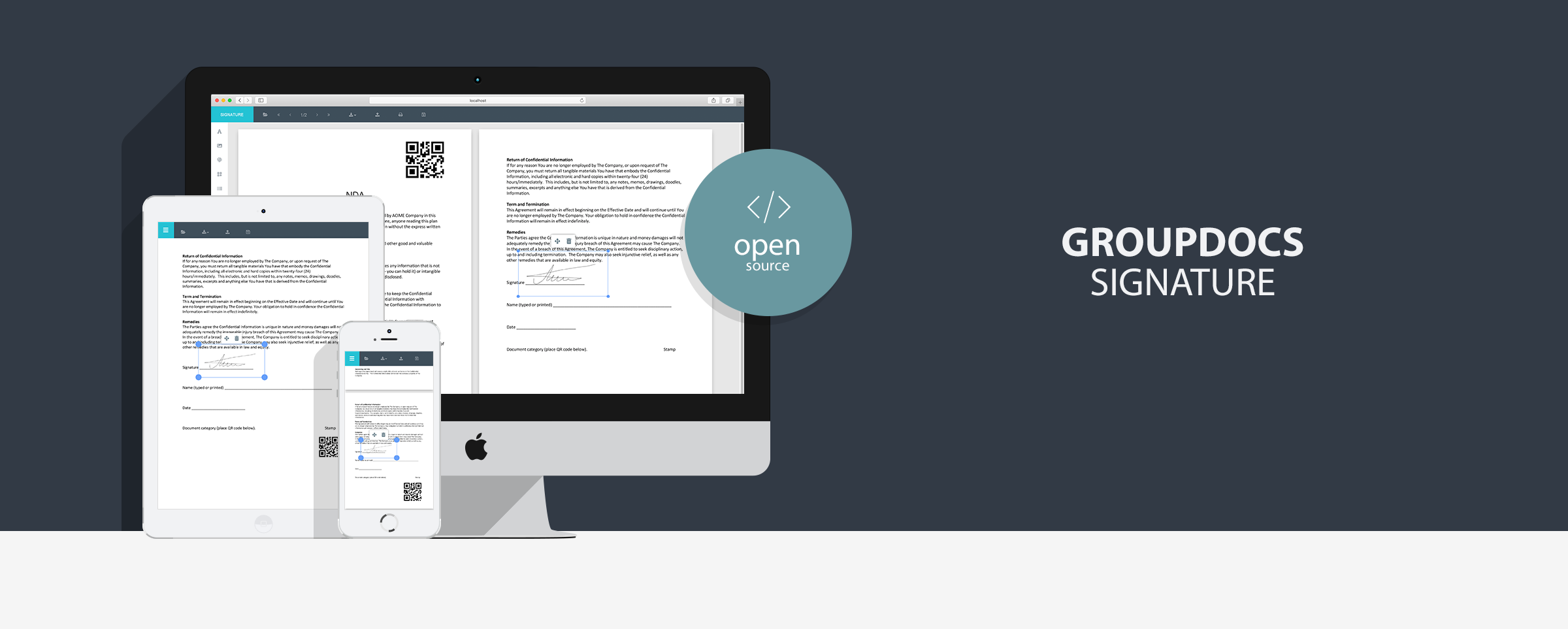
This web application demonstrates all GroupDocs.Signature features with simple modern UI which can be used as standalone or be integrated into your project.
Note: without a license application will run in trial mode, purchase GroupDocs.Signature for Java license or request GroupDocs.Signature for Java temporary license.
- Clean, modern and intuitive design
- Easily switchable colour theme (create your own colour theme in 5 minutes)
- Responsive design
- Mobile support (open application on any mobile device)
- Support over 50 documents and image formats
- Image mode
- Fully customizable navigation panel
- Sign password protected documents
- Download original documents
- Download signed documents
- Upload documents
- Upload signatures
- Sign document with such signature types: digital certificate, image, stamp, qrCode, barCode.
- Draw signature image
- Draw stamp signature
- Generate bar code signature
- Generate qr code signature
- Print document
- Smooth page navigation
- Smooth document scrolling
- Preload pages for faster document rendering
- Multi-language support for displaying errors
- Cross-browser support (Safari, Chrome, Opera, Firefox)
- Cross-platform support (Windows, Linux, MacOS)
You can run this sample by one of following methods
Download source code from github or clone this repository.
git clone https://github.com/groupdocs-signature/GroupDocs.Signature-for-Java.git
cd GroupDocs.Signature-for-Java/Demos/Compose
gradlew run
## Desktop application will be compiled and runDownload source code from github or clone this repository.
git clone https://github.com/groupdocs-signature/GroupDocs.Signature-for-Java.git
cd GroupDocs.Signature-for-Java/Demos/Compose
gradlew packageMsi
## Windows installer will be built and the path to it will be printedDownload latest release from releases page.
Note: This method is recommended for running this sample without Java installed.
- Download
groupdocs-signature-compose-*.zipfile - Unzip it to any directory
- Run installer and install the application
- After installation, you can run the application using shortcut on your desktop
The MIT License (MIT).
Please have a look at the LICENSE.md for more details
- Create digital signature with JAVA Dropwizard
- Create digital signature with .NET MVC
- Create digital signature with .NET WebForms
Home | Product Page | Documentation | Demos | API Reference | Examples | Blog | Free Support | Temporary License