Repository navigation
Export models from CDO
If you want to store your models locally you can use the 'Export Model' feature.
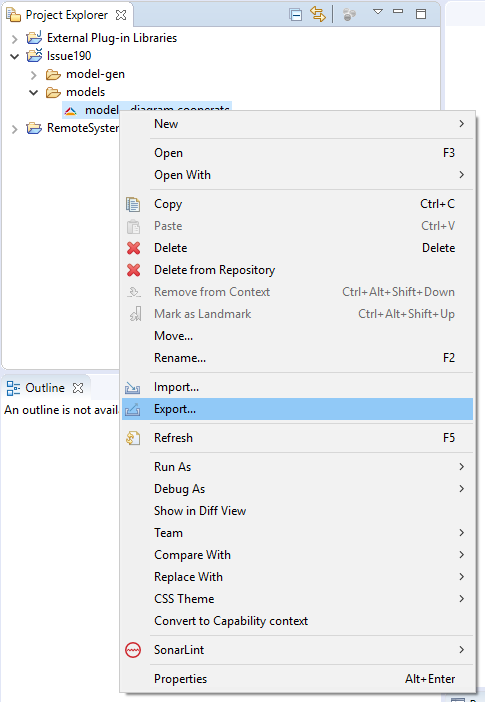
To do so right-click in the Project Explorer to open the context menu and click Export....
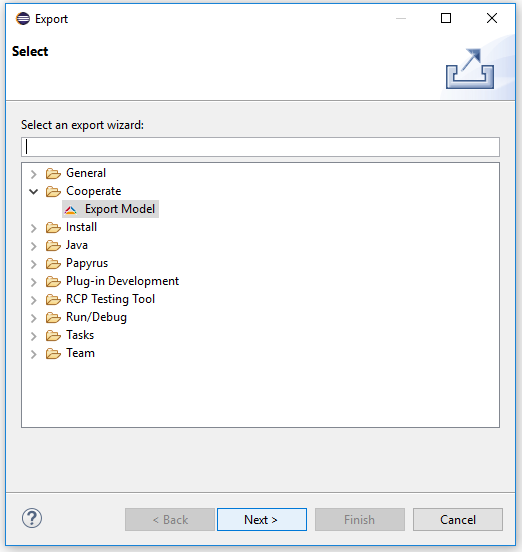
In the newly opened dialog select Cooperate -> Export Model.
This will open a dialog in which you can select the project, model and version to export, as well as the export destination.
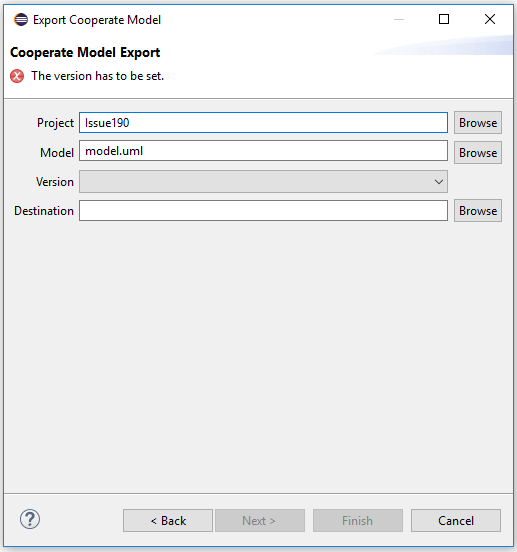
If you opened the export dialog on a project, folder or launchfile some of the text boxes will already be filled in.
Please make sure that your export destination does not contain any files. To avoid this you can create a new folder as export destination.
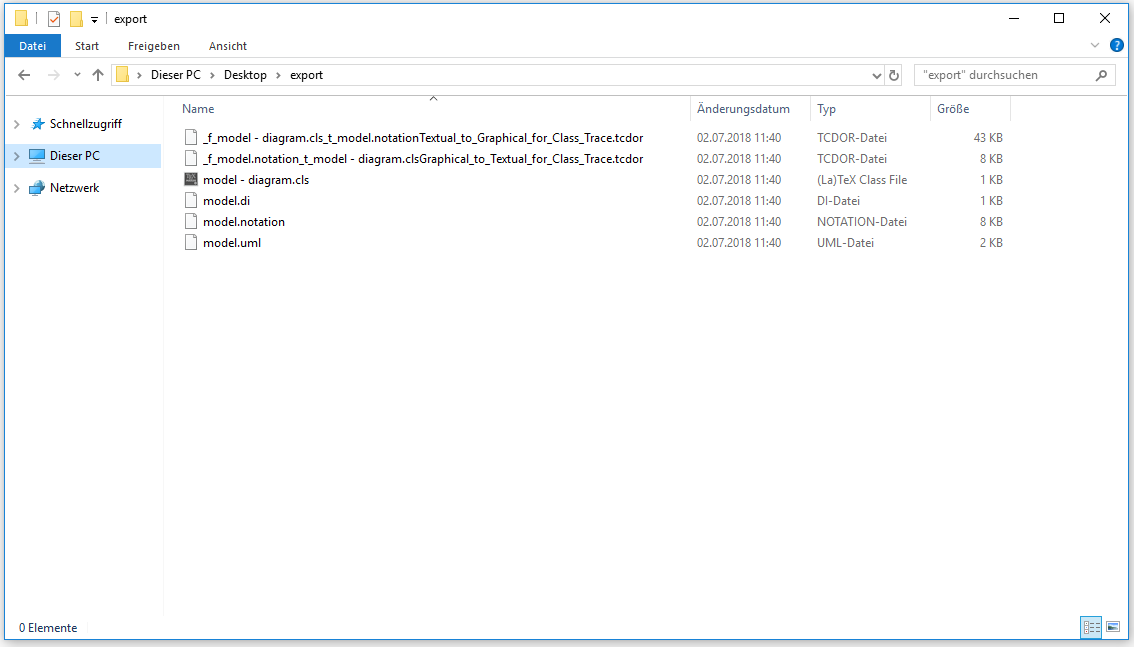
After you filled in all the information and pressed Finish the contents of the export destination should look similar to the following image.