

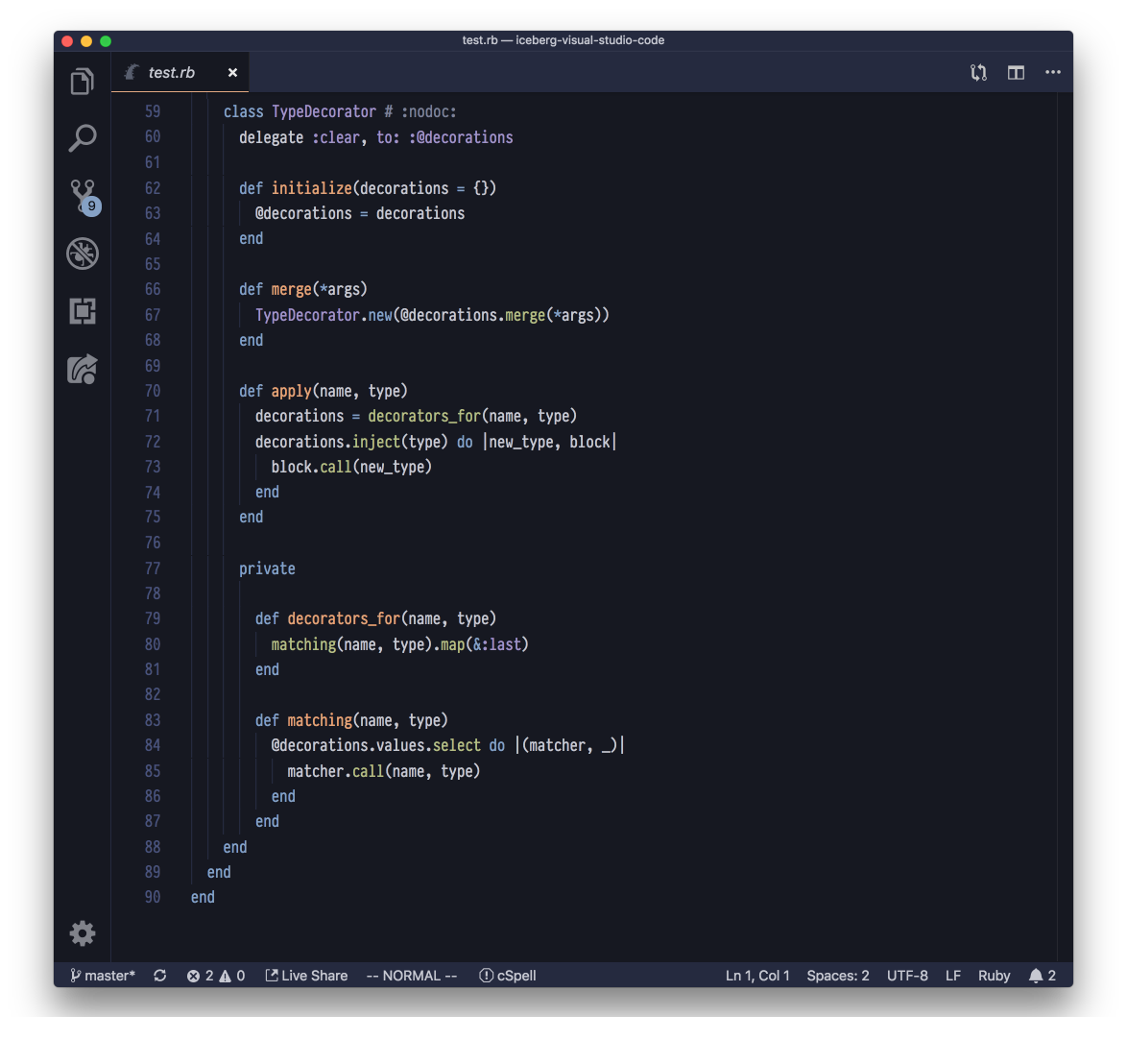
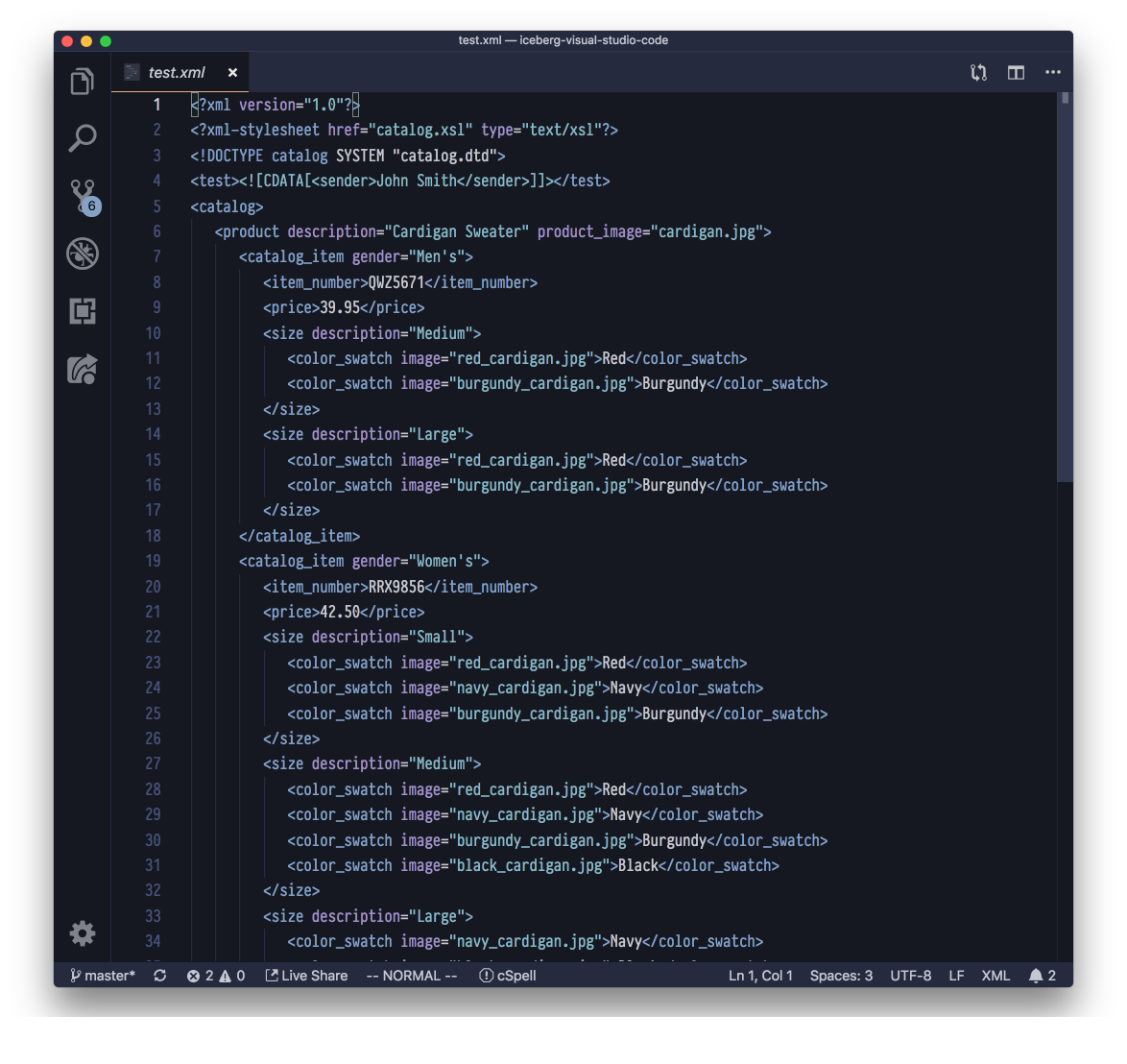
Iceberg is a dark blue Visual Studio Code Theme.
It brings a cool-headed perspective for your happy coding!
based on Iceberg for Vim by cocopon
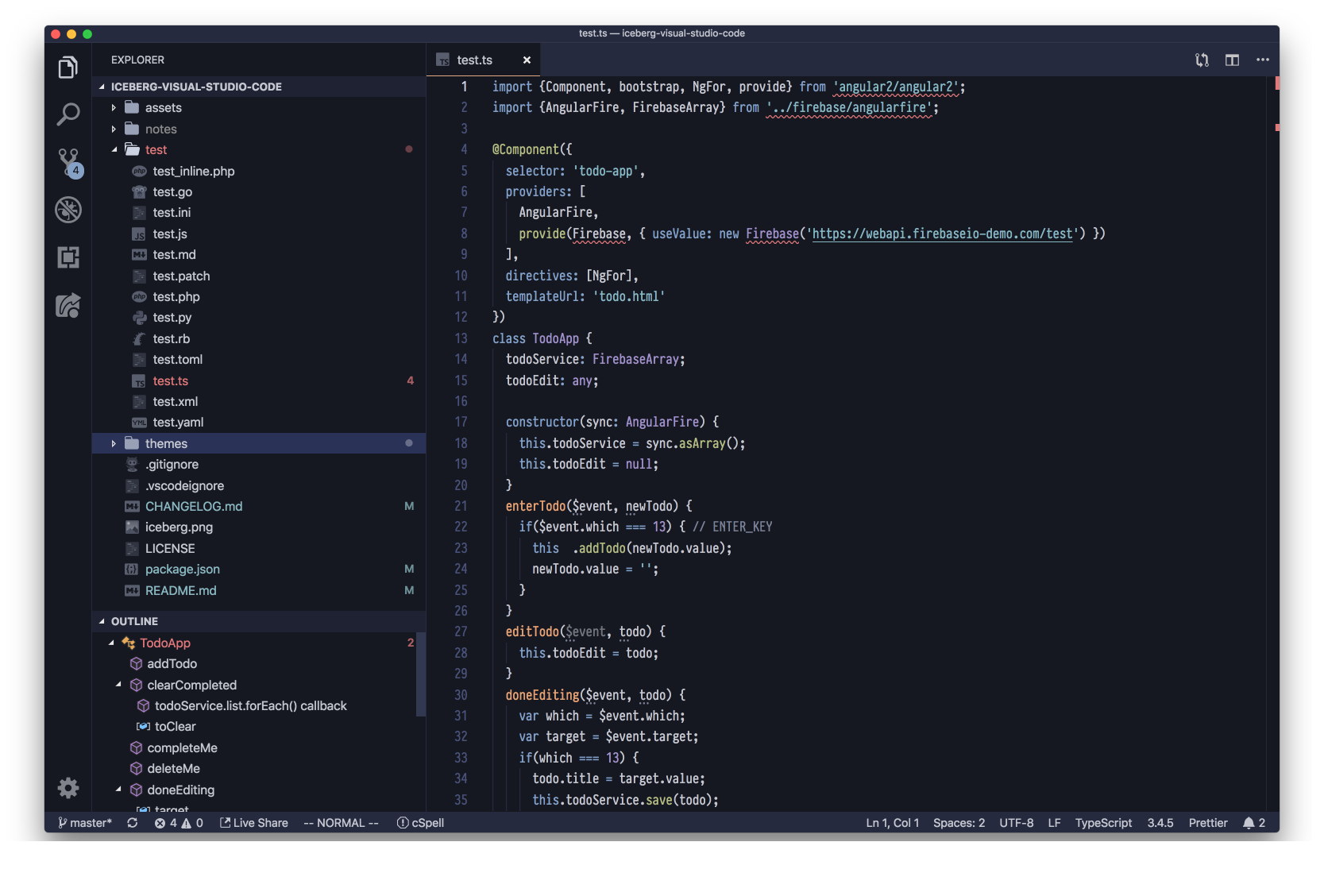
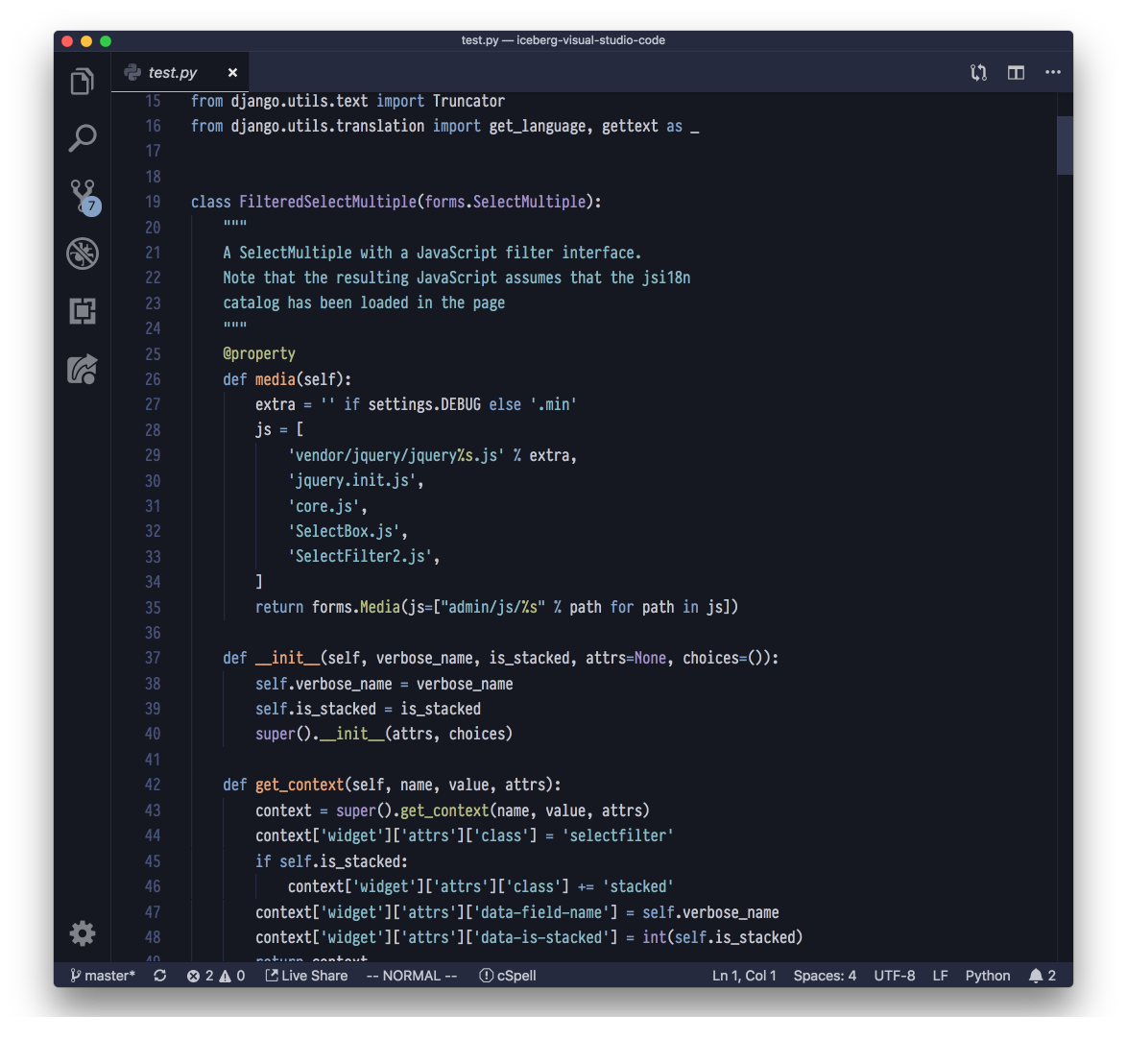
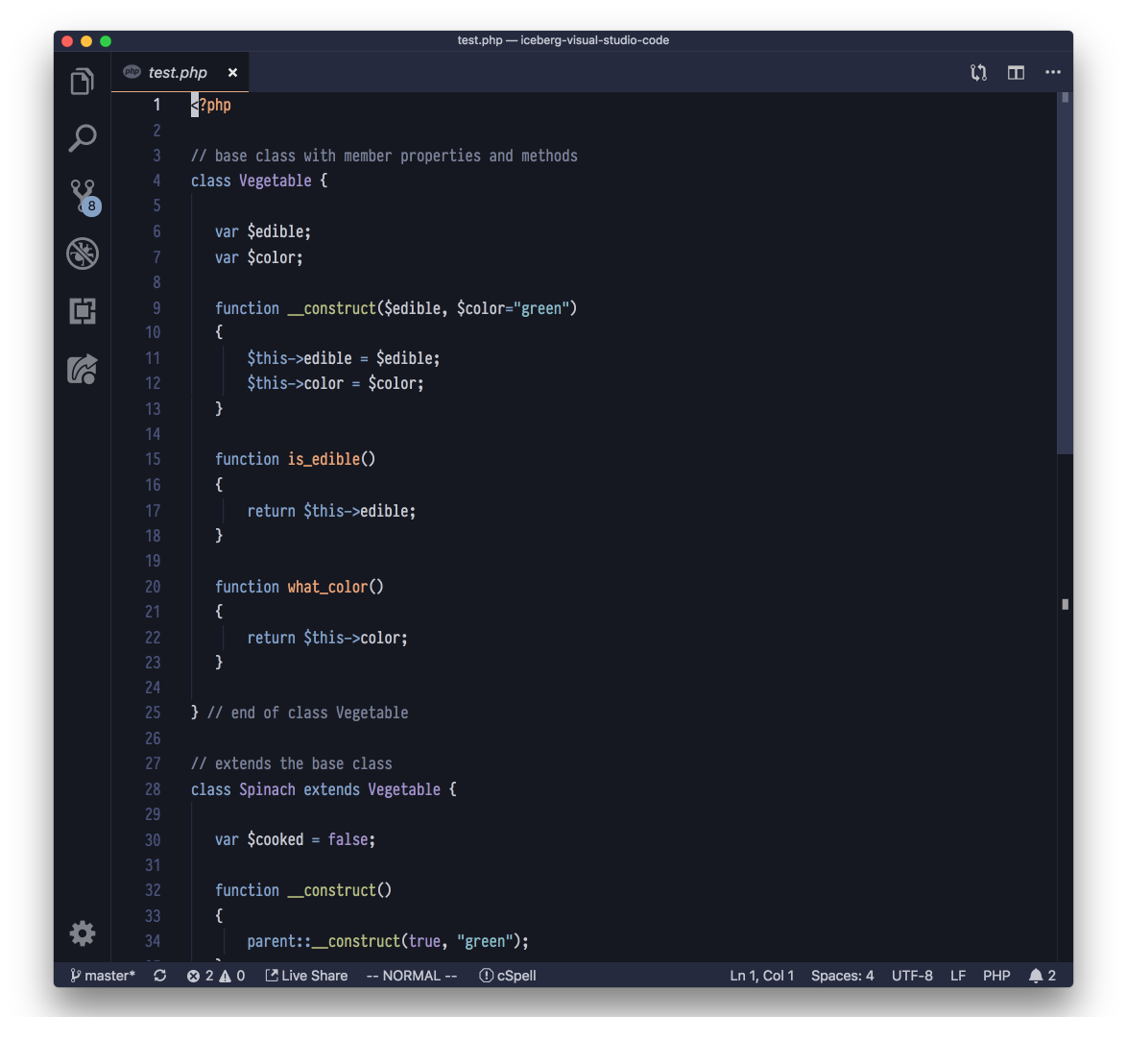
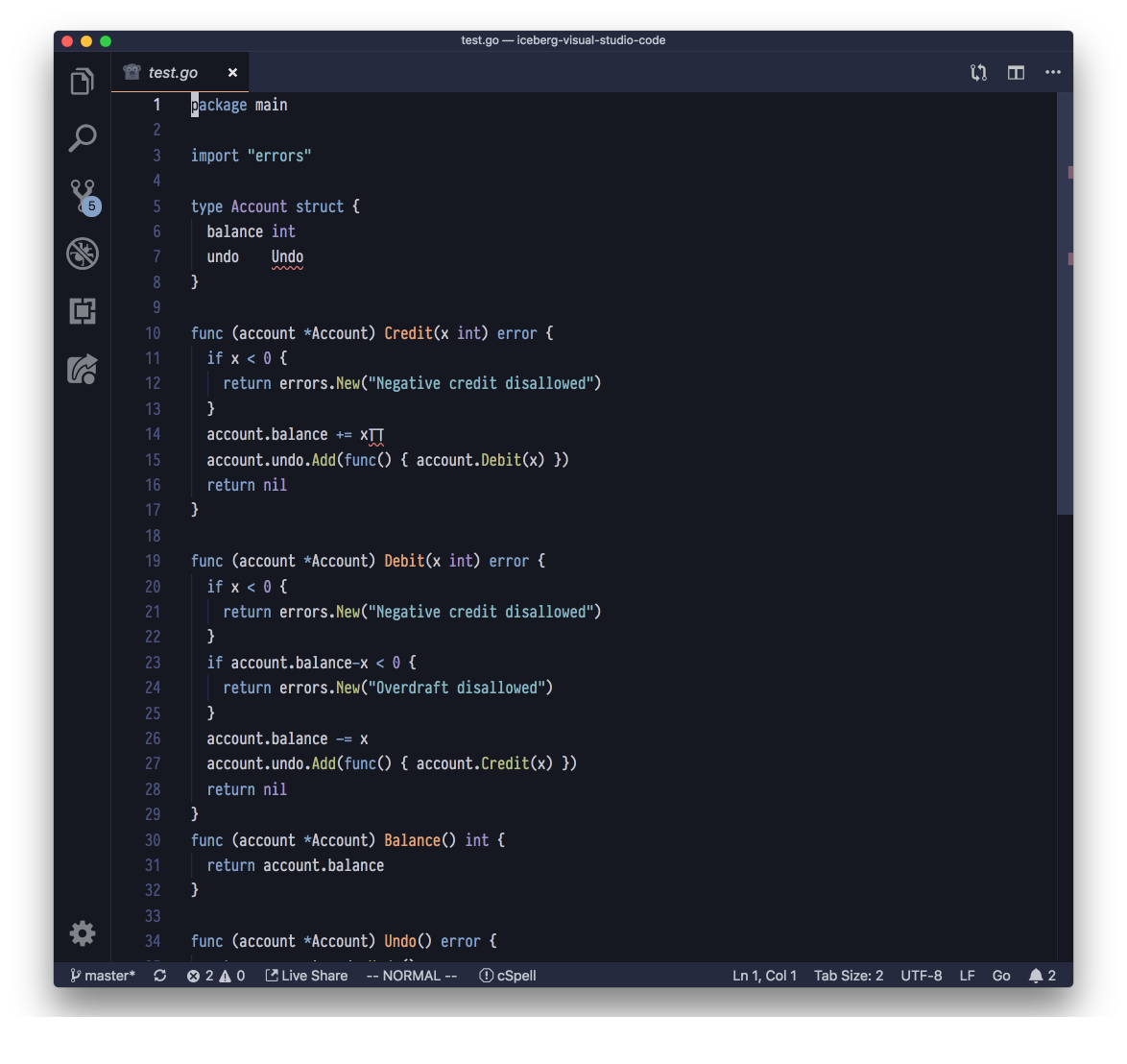
- coherent colorscheme
- Fully supported Workbench styles
- Terminal support
- Open Extensions sidebar panel in VS Code.
View → Extensions - Search for
iceberg - Click Install to install it.
- Click Reload to reload your editor
- Code > Preferences > Color Theme > Iceberg
Add the following line to you settings.json :
"workbench.colorCustomizations": { "editorGutter.background": "#1e2132" }
- Vim by cocopon (The original!)
- Terminal.app profile by cocopon
- iTerm2 by aseom
- Atom by cocopon
- Xcode by cocopon
- AppCode by Kuniwak
- Hyper by cocopon
enjoy!