Skip to content

Latest commit


History

7 Commits

Folders and files

NameName
Last commit message
Last commit date


Repository files navigation

Xcode Visual Studio Theme

This is a minimalist theme for Xcode with the look&feel of the Visual Studio's Dark Theme we all ❤
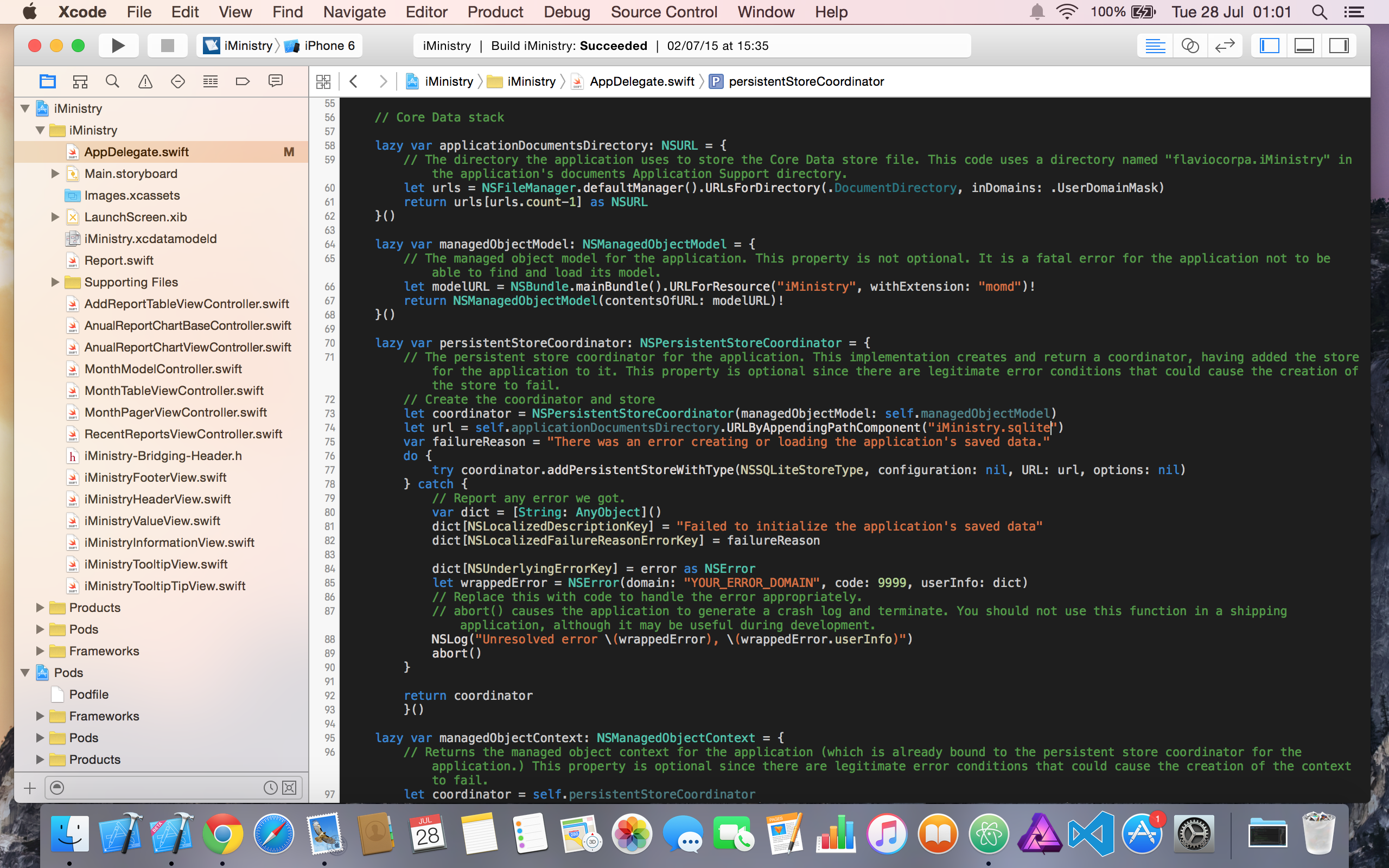
xcode-visual-studio-theme

Installation

  1. Open the file CONSOLA.TTF
  2. Install the font
  3. Copy the theme file to the folder (~/Library/Developer/Xcode/UserData/FontAndColorThemes/)
  4. Restart Xcode
  5. Apply theme (Xcode > Preferences > Fonts & Colors)

About

A minimalist theme for Xcode with the look & feel of Visual Studio

Topics

Resources

Stars

45 stars

Watchers

2 watching

Forks

Releases

Packages

Contributors