
A clean, minimal blog built with EmDash and deployed on Cloudflare Workers with D1 and R2.
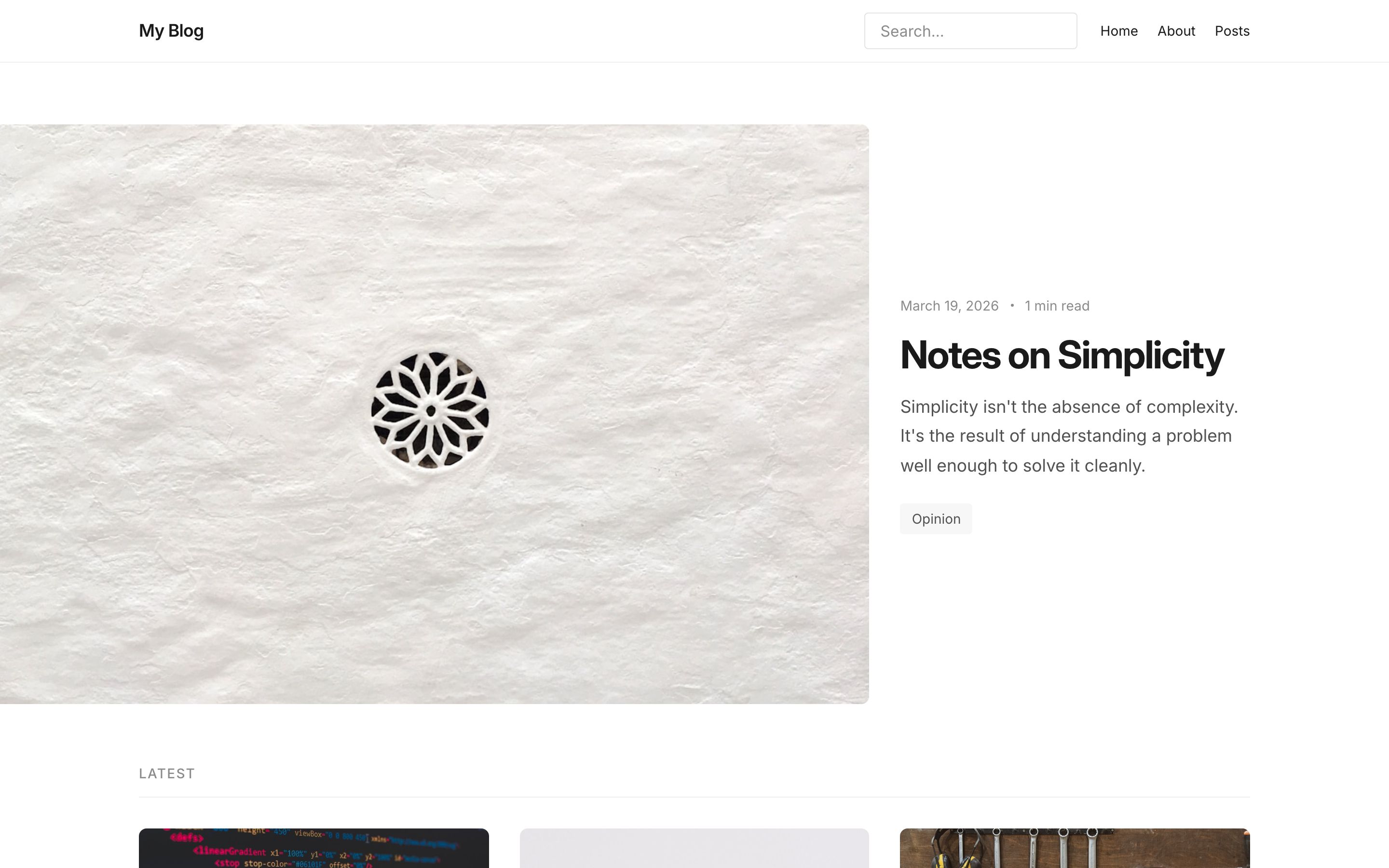
- Featured post hero on the homepage
- Post archive with reading time estimates
- Category and tag archives
- Full-text search
- RSS feed
- SEO metadata and JSON-LD
- Dark/light mode
- Forms plugin and webhook notifier
| Page | Route |
|---|---|
| Homepage | / |
| All posts | /posts |
| Single post | /posts/:slug |
| Category archive | /category/:slug |
| Tag archive | /tag/:slug |
| Search | /search |
| Static pages | /pages/:slug |
| 404 | fallback |
| Desktop | Mobile | |
|---|---|---|
| Light | |
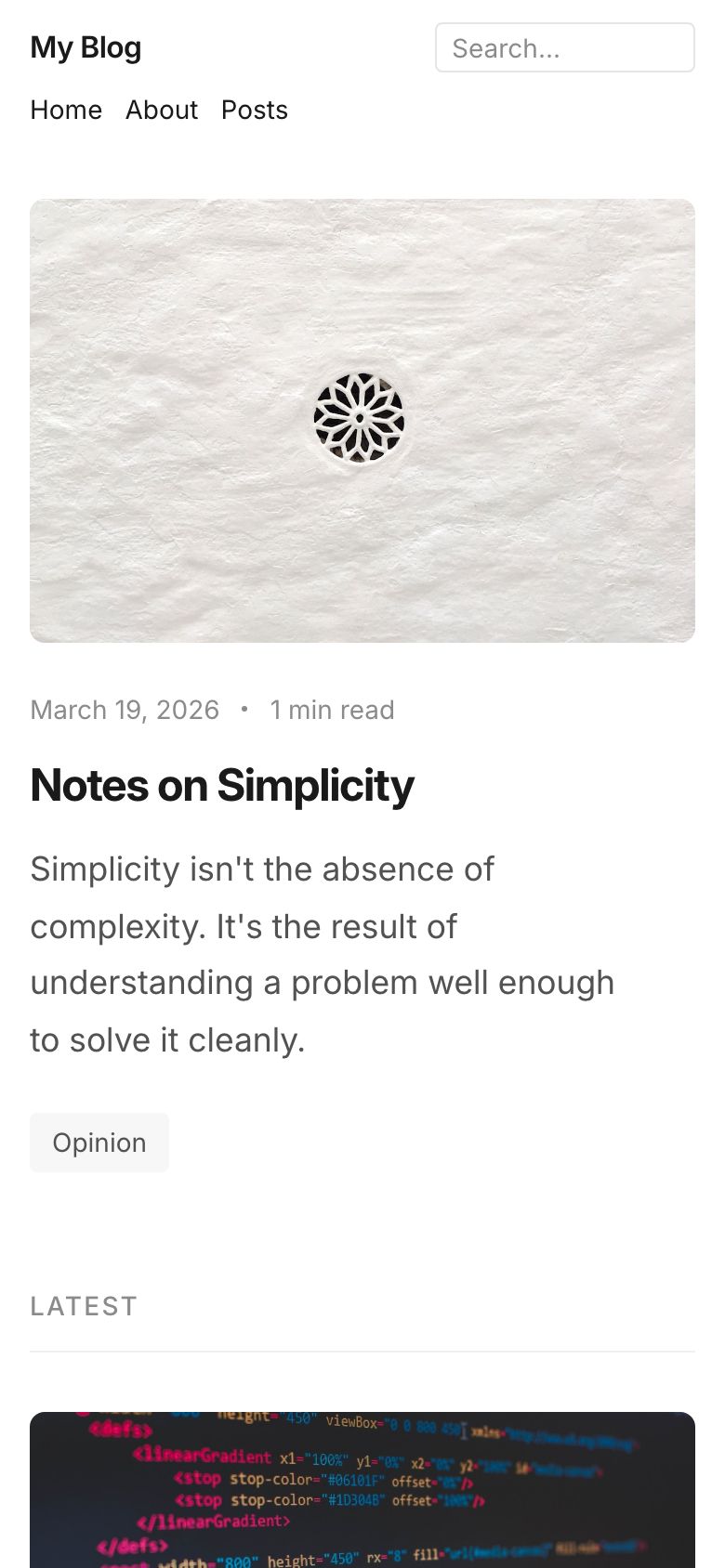 |
| Dark | 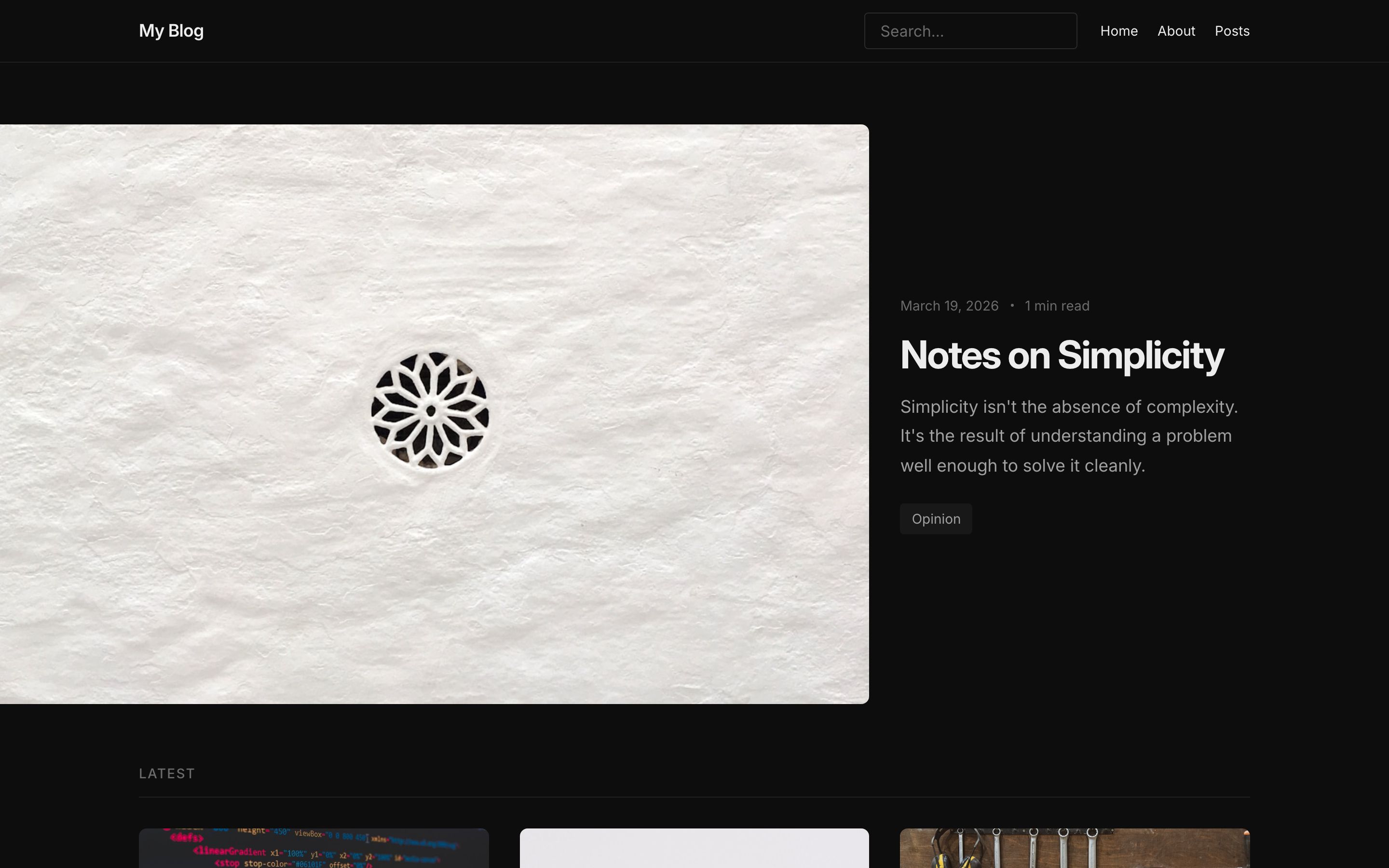 |
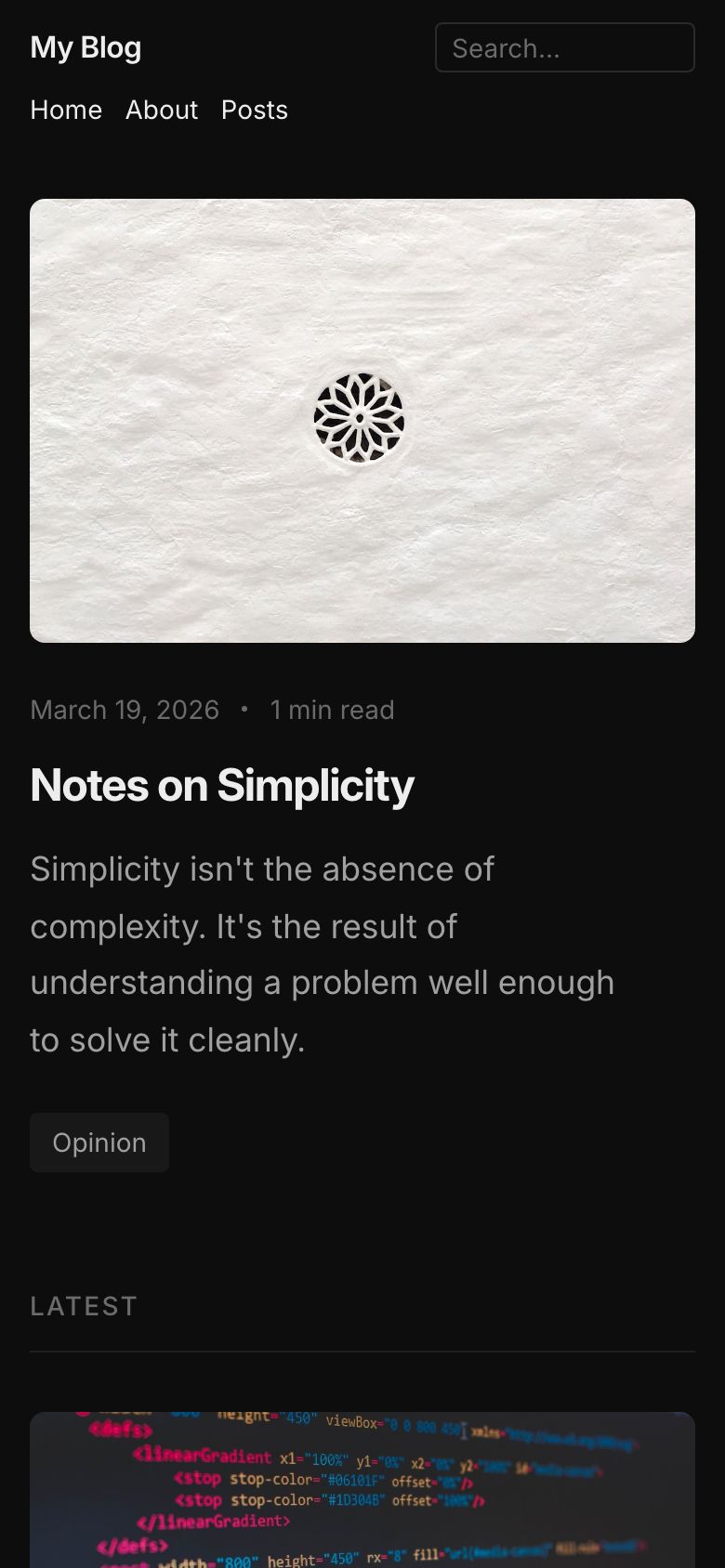 |
- Runtime: Cloudflare Workers
- Database: D1
- Storage: R2
- Framework: Astro with
@astrojs/cloudflare
- Node.js 18+ and npm/pnpm/yarn
- Cloudflare account (for deployment)
- Pre-commit (optional but recommended for security)
# Clone the repository
git clone https://github.com/nexusct/nexus-emdash.git
cd nexus-emdash

# Install dependencies
pnpm install

# Bootstrap the database and seed demo content
pnpm bootstrap

# Start the development server
pnpm dev
The site will be available at http://localhost:4321.
The admin UI is at http://localhost:4321/_emdash/admin.
This repository uses pre-commit hooks to prevent accidental commits of secrets and credentials:
# Install pre-commit (one-time setup)
pip install pre-commit

# Install the git hooks (one-time per repo)
pre-commit install

# Optional: Run manually on all files
pre-commit run --all-filesBefore deploying, ensure you have configured the following in your Cloudflare Workers environment:
- Database: D1 database binding (configured in
wrangler.toml) - Storage: R2 bucket binding (configured in
wrangler.toml) - API Keys: Any third-party API keys should be set as Cloudflare secrets, NOT committed to git
# Example: Add a secret to Cloudflare Workers
wrangler secret put GOOGLE_MAPS_API_KEYpnpm deployOr click the deploy button above to set up the project in your Cloudflare account.
This project follows security best practices:
- ✅ Pre-commit hooks prevent accidental credential commits
- ✅
.gitignoreblocks sensitive files - ✅ Regular dependency updates for security patches
- ✅ No hardcoded secrets in codebase
- ✅ XSS protections enabled
See SECURITY.md for vulnerability reporting and security policies.
See SECURITY_NOTES.md for detailed security review findings.
.
├── src/
│   ├── components/       # Astro components (PostCard, TagList, etc.)
│   ├── layouts/          # Base layout with EmDash wiring
│   ├── pages/            # Astro pages (all server-rendered)
│   │   ├── posts/        # Blog post pages
│   │   ├── category/     # Category archive pages
│   │   ├── tag/          # Tag archive pages
│   │   ├── pages/        # Static pages from CMS
│   │   ├── search.astro  # Search page
│   │   └── index.astro   # Homepage
│   ├── styles/           # Global styles
│   └── utils/            # Utility functions
├── seed/
│   └── seed.json         # Schema + demo content
├── astro.config.mjs      # Astro configuration
├── package.json          # Dependencies
└── .pre-commit-config.yaml  # Security hooks
EmDash is configured in astro.config.mjs:
emdash({
  database: d1({ binding: "DB", session: "auto" }),
  storage: r2({ binding: "MEDIA" }),
  plugins: [formsPlugin()],
  sandboxed: [webhookNotifierPlugin()],
  sandboxRunner: sandbox(),
  marketplace: "https://marketplace.emdashcms.com",
})The content schema is defined in seed/seed.json. This includes:
- Collections (posts, pages)
- Taxonomies (categories, tags)
- Menus
- Widgets
To regenerate TypeScript types after schema changes:
npx emdash typesDependencies fail to install:
npm install --legacy-peer-depsPre-commit hooks fail:
# Update pre-commit hooks
pre-commit autoupdate

# Or skip hooks temporarily (NOT recommended for security-sensitive changes)
git commit --no-verify
Build errors after dependency updates:
# Clear caches and reinstall
rm -rf node_modules package-lock.json .astro dist
npm install
npm run dev- Fork the repository
- Create a feature branch (
git checkout -b feature/amazing-feature) - Install pre-commit hooks (
pre-commit install) - Make your changes
- Run tests and security checks (
pre-commit run --all-files) - Commit your changes (
git commit -m 'Add amazing feature') - Push to the branch (
git push origin feature/amazing-feature) - Open a Pull Request
- Node.js variant -- same template using SQLite and local file storage
- All templates
- EmDash documentation
- Cloudflare Workers documentation
This project is open source and available under the MIT License.
For issues and questions:
- EmDash CMS: GitHub Issues
- This template: GitHub Issues
- Security issues: See SECURITY.md
Maintained by: Nexus Communications Technology (Nexuscomm LLC)
Contact: office@nexusct.com