
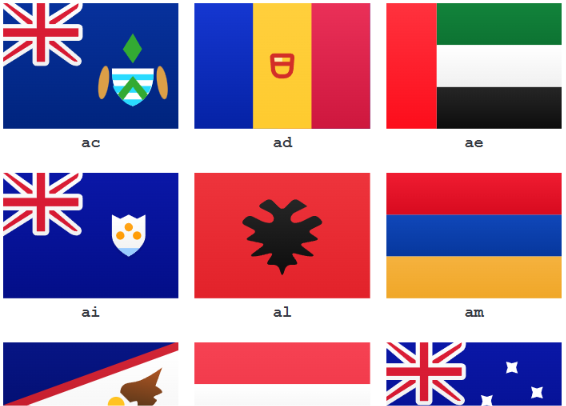
Check full documentation and demo
npm install astro-flag
pnpm add astro-flag
bun install astro-flagDisplay a flag of a country, in Astro, using really straioghforward code:
---
import { Flag } from "astro-flag";
---
<Flag flagName="fr" />
The flag is rendered as an inlined svg (819 bytes for the french flag for example). It is fully responsive, and flags can whatever size you'd like.
Arguments are:
- shape of the flag, either square (1x1) or rectangle (4x3 - default value)
- size the flag, as a string. Example: '48px', '100%'... '32px' is the default value
This leads to the following code to display the square Great Britain flag, of size 48px:
---
import { Flag } from "astro-flag";
---
<Flag flagName="gb" shape="1x1" size="48px" />Original svgs come from FlagPack. They have been updated to have unique ids, and viewBox replacing width and size.
Let's star the project as you like it.